
The easiest way to create authentication in 2 min with NextJs & Auth0
Aren't you sick of having to authenticate users with long codes and dirty back-end work?
Here's the quickest way to do it in under 2 minutes.
Demo :
Setup
-
Go to Auth0 Sign Up or Login
-
Click on Applications
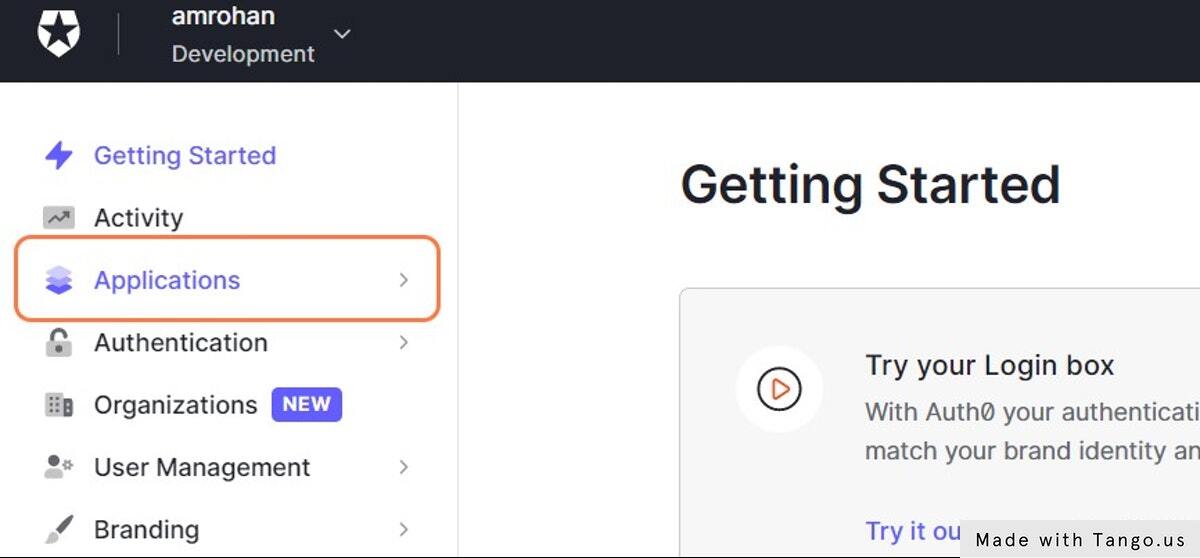
- Click on Applications
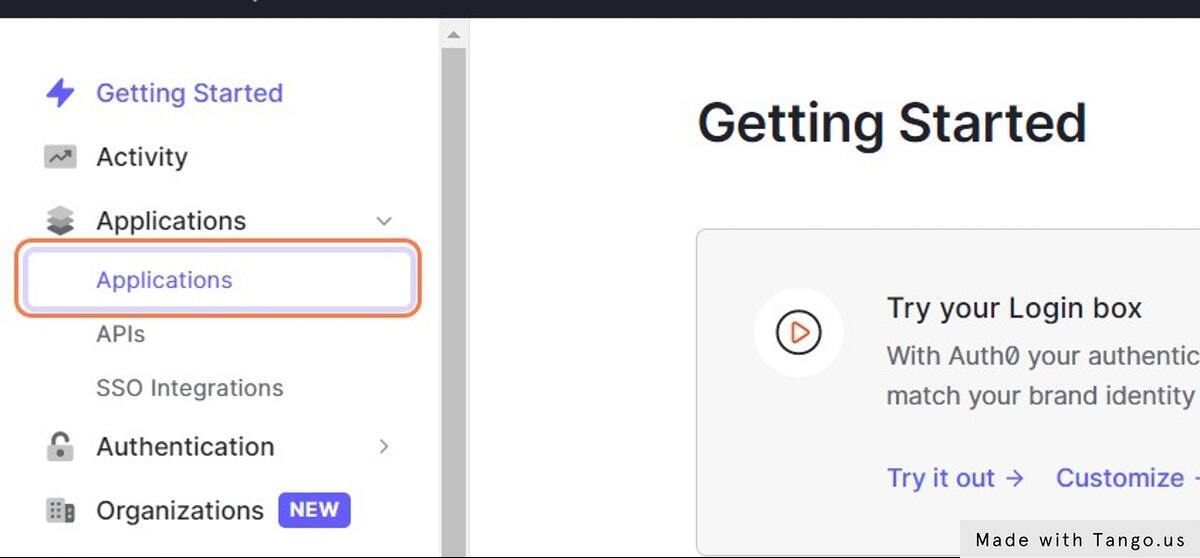
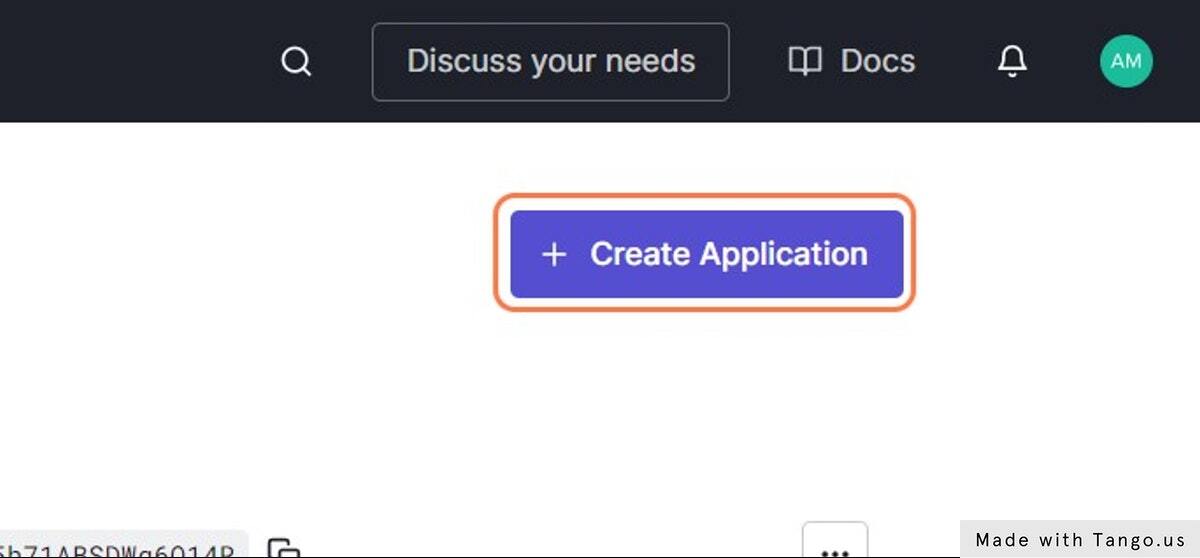
- Click on Create Application
- Paste name of the app into input
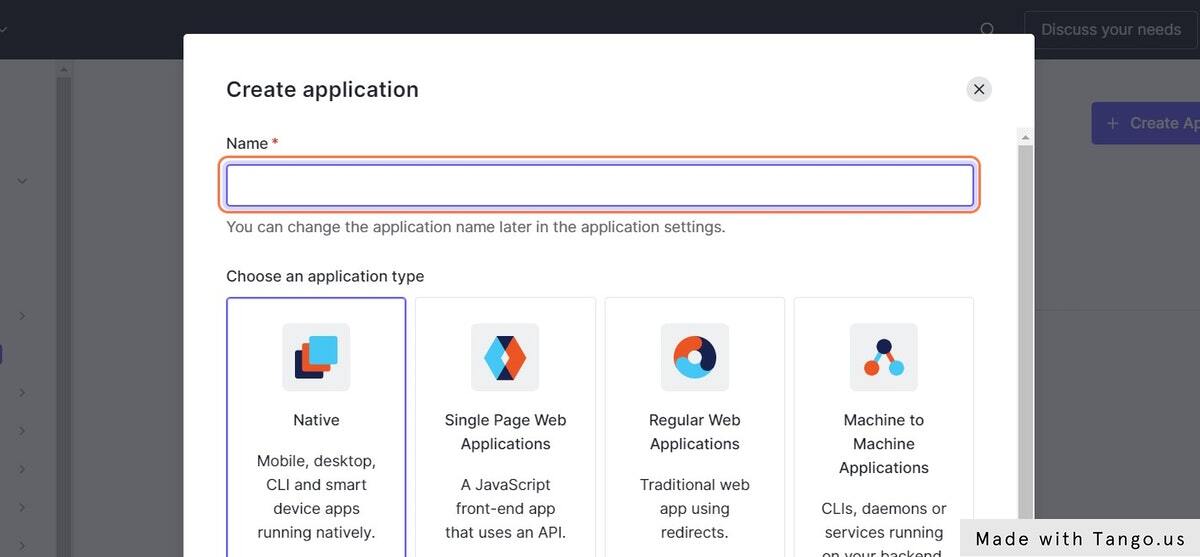
- Click on Regular app
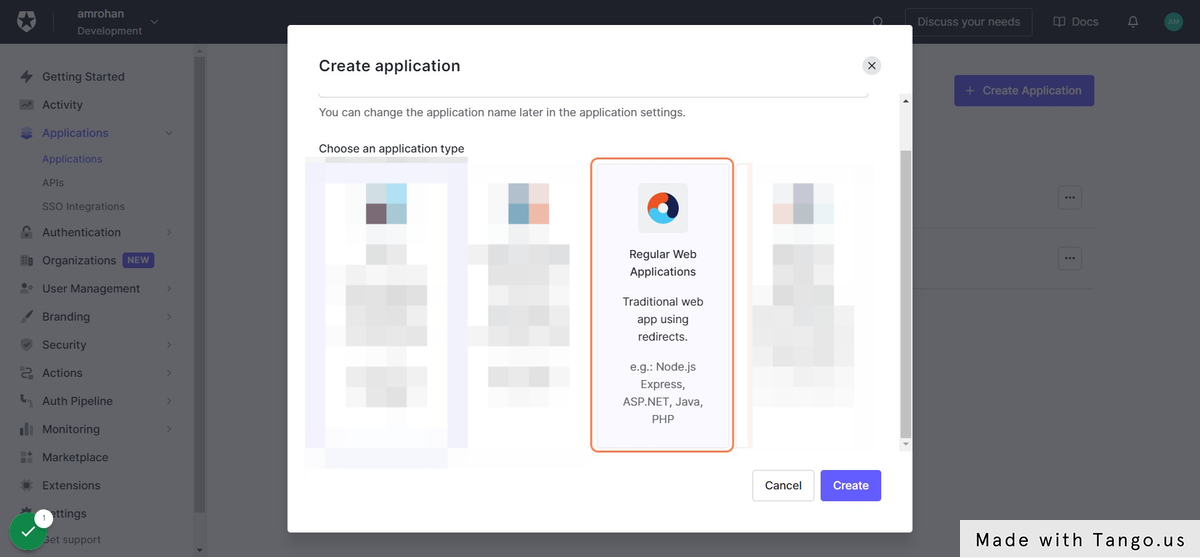
- Click on Create
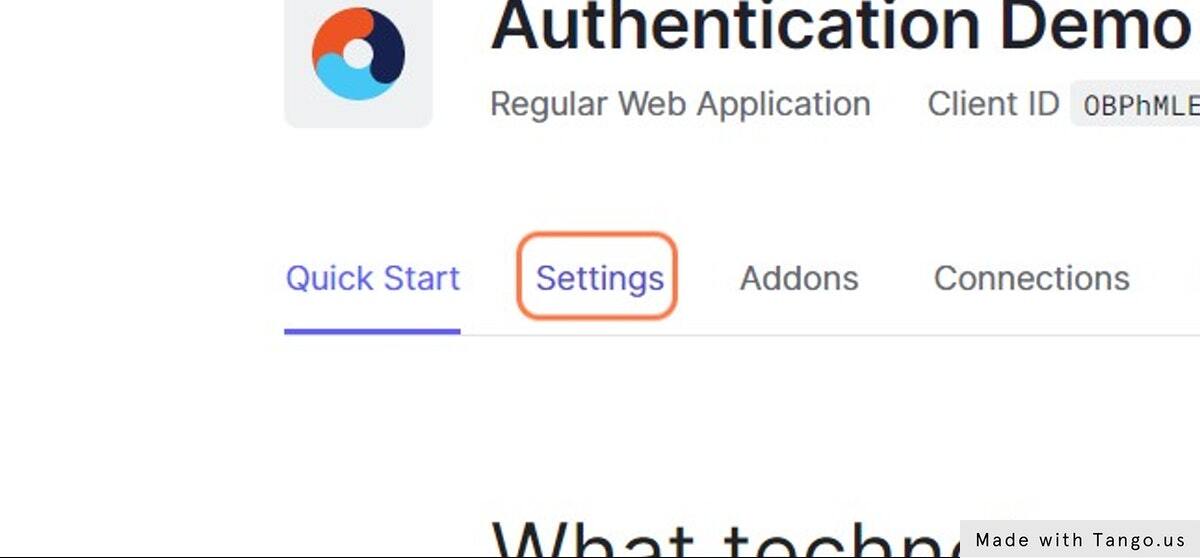
- Click on Settings
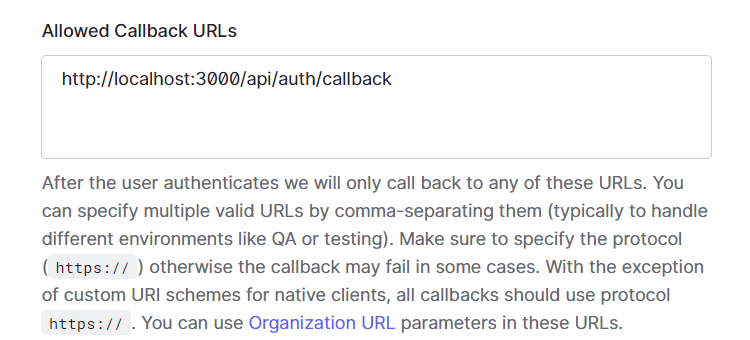
- Type
http://localhost:3000/api/auth/callback
- Type
http://localhost:3000
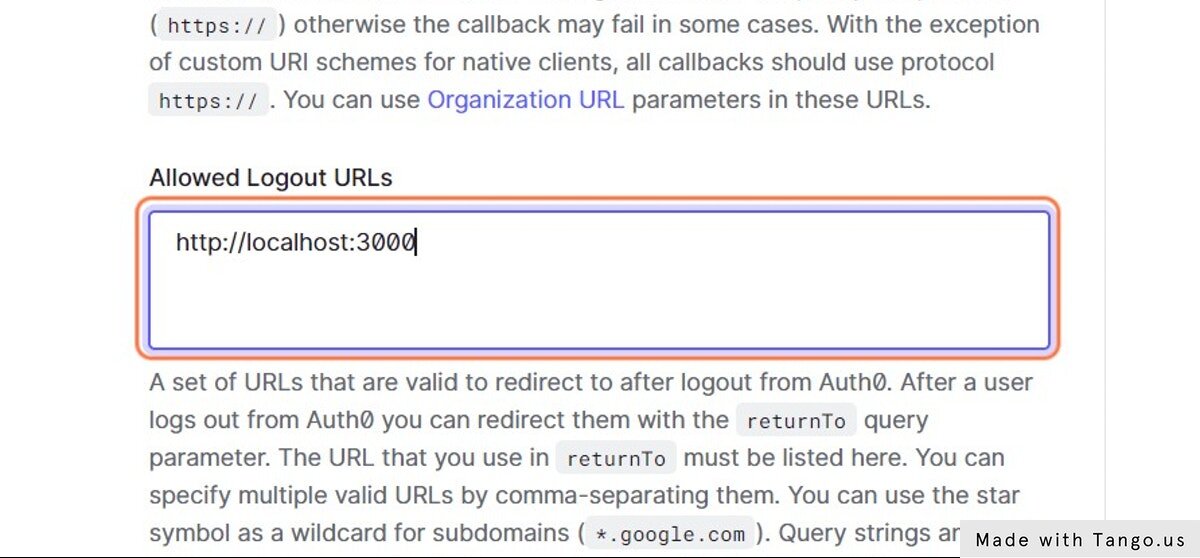
Note when you will deploy this app you should change the url to
http://locahost:3000/api/auth/callbacktohttp://yourdomain.com/api/auth/callbackSame for Logout URL's
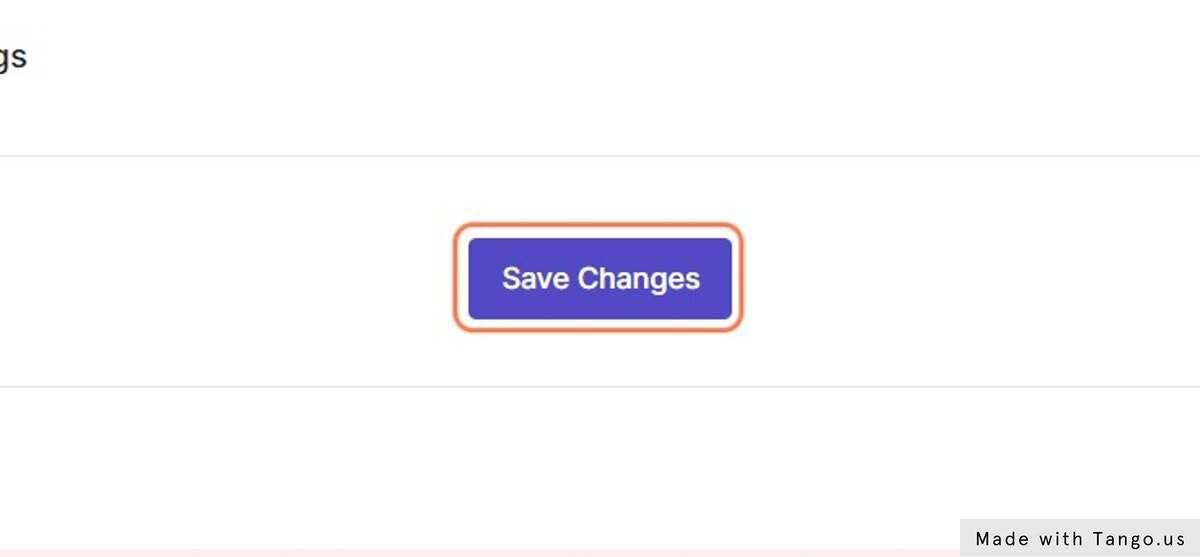
- Click on Save Changes
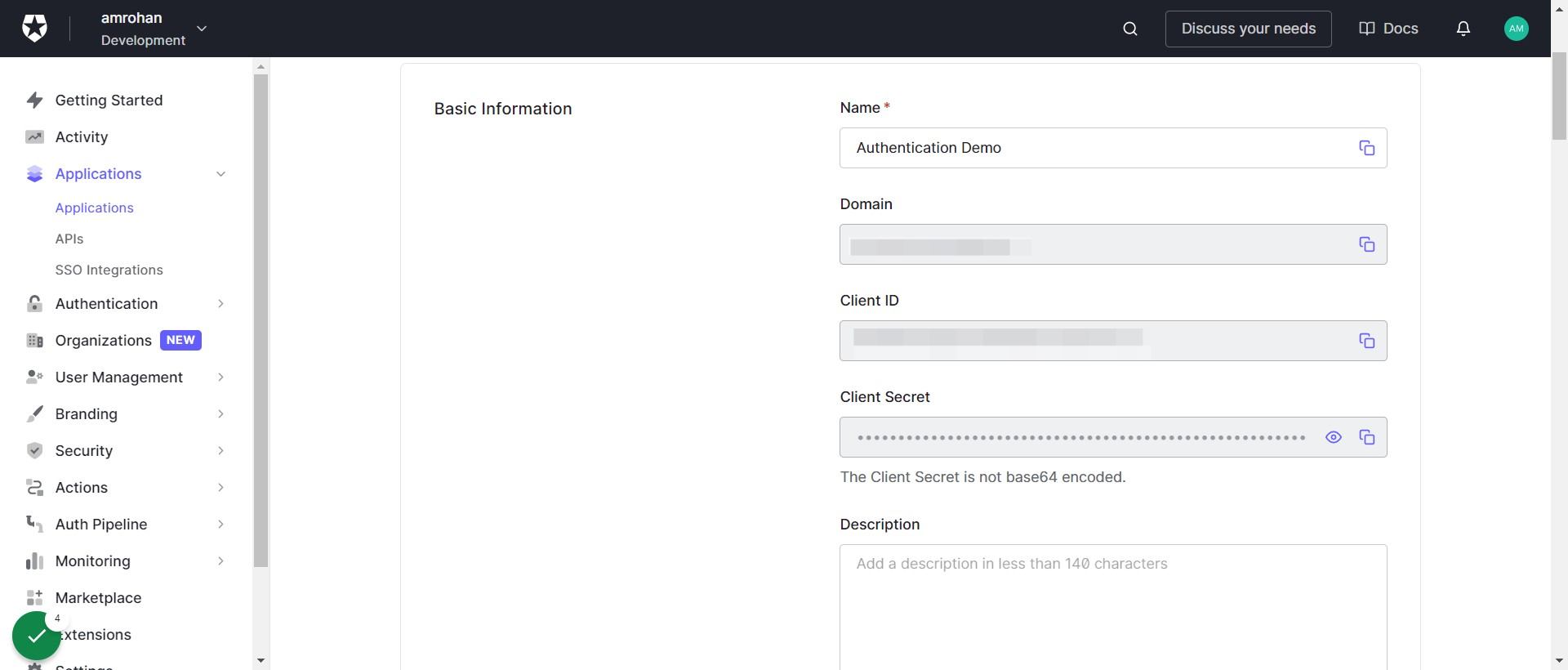
- Scroll up take note of your
domain,client idandclient secret
Now create a Nextjs App
1 . yarn create next-app
2 . Create .env.local and paste your secrets here
# A long, secret value used to encrypt the session cookie use any random 32 character string
AUTH0_SECRET = 'LONG_RANDOM_VALUE'

# The base url of your application
AUTH0_BASE_URL= 'http://localhost:3000'

# The url of your Auth0 tenant domain
AUTH0_ISSUER_BASE_URL = 'https://YOUR_AUTH0_DOMAIN.auth0.com'

# Your Auth0 application's Client ID
AUTH0_CLIENT_ID = 'YOUR_AUTH0_CLIENT_ID'

# Your Auth0 application's Client Secret
 AUTH0_CLIENT_SECRET = 'YOUR_AUTH0_CLIENT_SECRET'
3 . Install @auth0/nextjs-auth0 SDK
npm install @auth0/nextjs-auth0
# Or
yarn add @auth0/nextjs-auth0
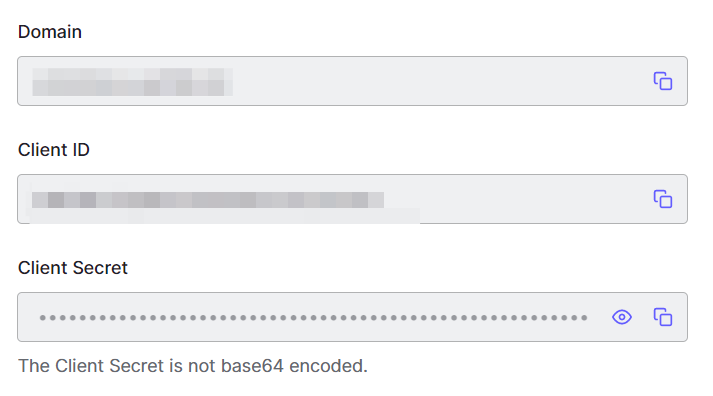
4 . Get your environment variables
5 . Step copy your secrets to .env.local
6 . Go to pages/api/ create a new file auth/[...auth0].js this will create folder auth and file [...auth0].js
[...auth0]jsto catch all slug so we can use same route for login and logout
Now paste the following code in your auth/[...auth0].js file
import { handleAuth } from "@auth0/nextjs-auth0";

export default handleAuth();
- Wrap your
pages/_app.jscomponent with the UserProvider component.
// pages/_app.js
import React from "react";
import "../styles/globals.css";
import { UserProvider } from "@auth0/nextjs-auth0";

export default function App({ Component, pageProps }) {
  return (
    <UserProvider>
      <Component {...pageProps} />
    </UserProvider>
  );
}
8 . Now lets implement this inside our pages/index.js page
// pages/index.js
import { useUser } from "@auth0/nextjs-auth0";

export default function Index() {
  const { user } = useUser();

  if (user) {
    return (
      <div>
        Welcome {user.name}! <a href="/api/auth/logout">Logout</a>
      </div>
    );
  }

  return <a href="/api/auth/login">Login</a>;
}
9 . Now Run your nextjs app via
npm run dev
#Or
yarn dev
10 . Now you can login to your app and also be able to logout
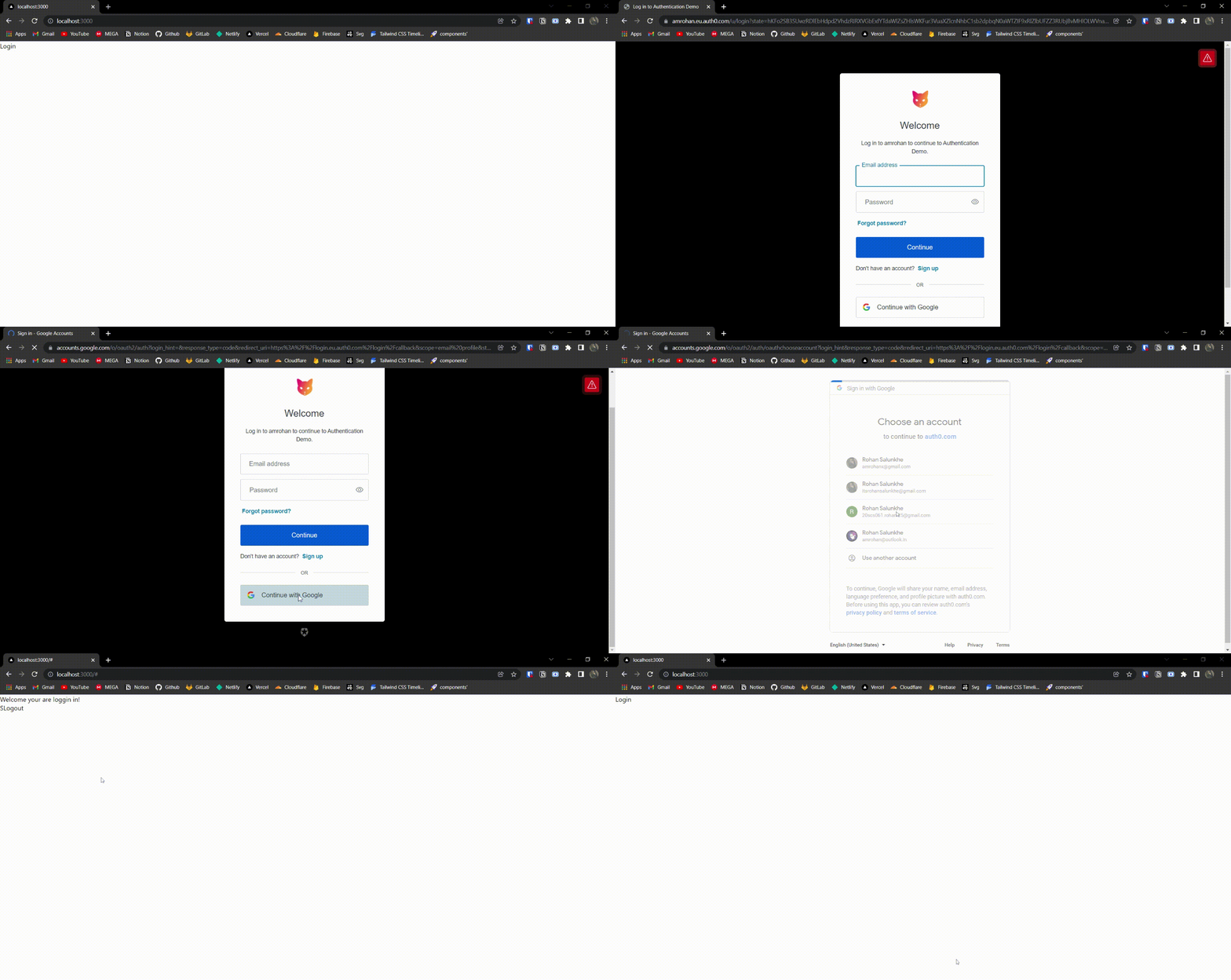
Walla your authentication is done 🎊🔥 .
So you can see it in action, I've put some design to it.
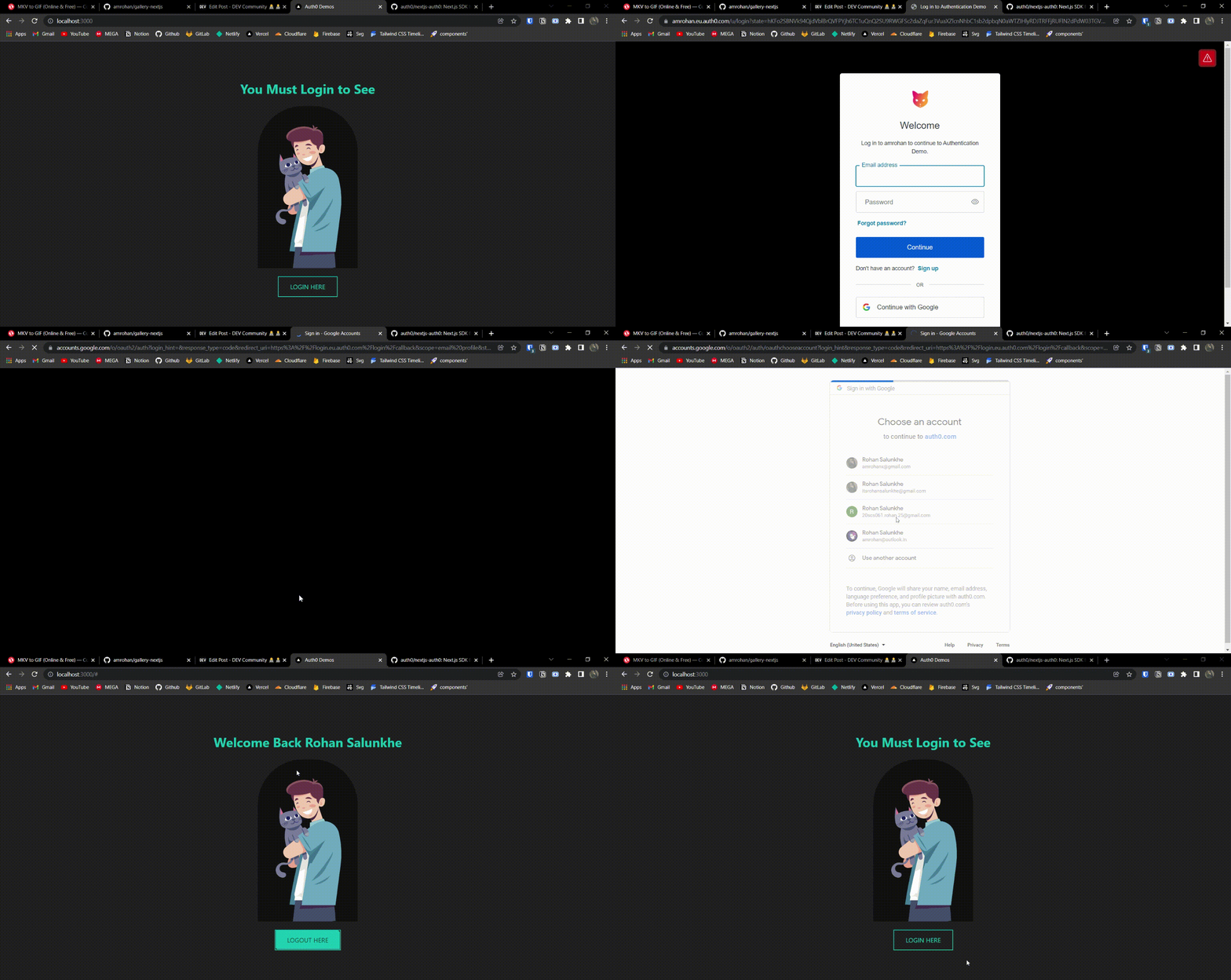
Check out the Github Repo
Live Demo :
Additional features, such as page protection and others, can be added. Check out the official SDK repo for further information.